Enter license
You only need this dialog to turn the downloaded free trial into the full version. Order the free 30-day trial license at shop.ondeso.com. After these 30 days, only restore works without a purchased license.
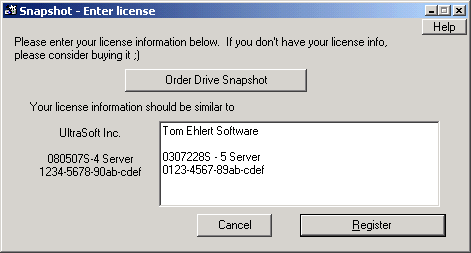
What the license contains
When you purchase, you receive four lines of license information:
- your company name
- an additional line, for example for the department
- serial number and license type
- a signature from the vendor that validates the details
Enter all four lines in the white field and click Register. Snapshot then writes the license into snapshot.exe itself.
You can also do this without the dialog, from the command line: SNAPSHOT --register:licensefile.txt.